
Audio Converter AI
Turn audio, video, and YouTube links into accurate transcripts with AI.
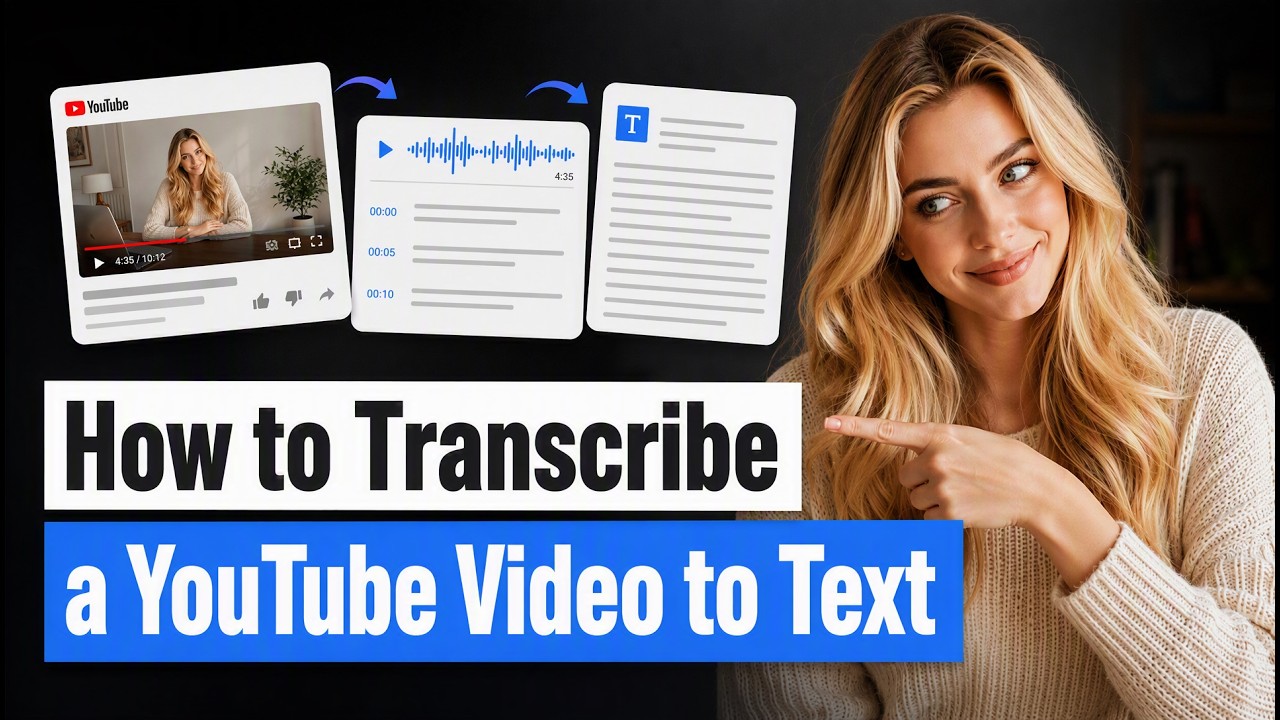
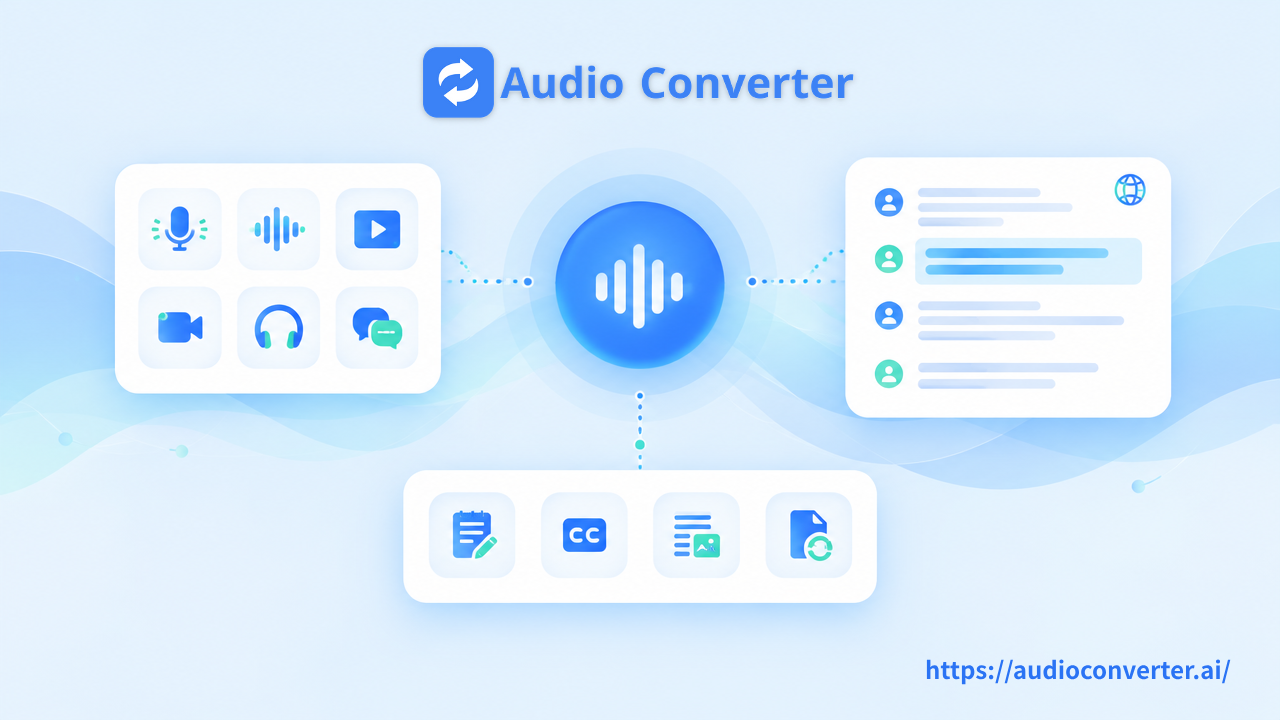


Transcribe Audio to Text with AI and convert audio recordings into accurate, editable text in minutes. Upload an audio file, paste a supported link, or record directly to create transcripts with timestamps, speaker recognition, and AI summaries.
Support for 200+ languages, unlimited transcription minutes, and a wide range of audio and video formats makes it easy to transcribe podcasts, meetings, interviews, lectures, calls, and more.
Key Features
99.9% Accuracy: Convert speech into highly accurate text with advanced AI transcription.
200+ Languages: Transcribe audio and video in more than 200 languages.
Unlimited Minutes: Transcribe long recordings without strict minute limits.
Speaker Recognition: Automatically identify and label different speakers.
Timestamps: Quickly locate specific moments in your original recording.
AI Summaries: Get concise summaries and key points from long transcripts.
Editable Text: Review, correct, and refine your transcript after transcription.
Multiple Input Options: Upload files, paste supported links, or record audio directly.
Private & Secure: Your files are securely processed and automatically removed after processing.
More AI Transcription Tools
Choose the right tool for your content:
Audio to Text Converter
Convert MP3, WAV, M4A, FLAC, OPUS, and other audio files into accurate, editable text. Ideal for podcasts, interviews, meetings, voice recordings, and lectures.
Try Audio to Text Converter: https://audioconverter.ai/audio-to-text
Video to Text Converter
Turn videos into searchable, editable text with AI. Upload MP4, MOV, WEBM, AVI, MKV, and other popular video formats.
Try Video to Text Converter: https://audioconverter.ai/video-to-text-converter-ai
YouTube Transcript Generator
Generate transcripts from YouTube videos by simply pasting a video URL. Get searchable text with timestamps and AI summaries.
Try YouTube Transcript Generator: https://audioconverter.ai/ai-youtube-transcript-generator
Speech to Text
Convert spoken words into written text automatically. Use AI speech recognition for conversations, recordings, lectures, and other voice content.
[Try Speech to Text]
Who Is It For?
Students can transcribe lectures, classes, and study recordings into searchable notes.
Educators can turn lectures and training sessions into transcripts and learning materials.
Content Creators can transcribe podcasts, interviews, and videos for captions, articles, social posts, and content repurposing.
Professionals and Teams can transcribe meetings, calls, interviews, and webinars with speaker labels, timestamps, and AI summaries.
Supported Formats
Transcribe Audio to Text supports popular audio and video formats including MP3, MP4, MPEG, MPGA, M4A, WAV, WEBM, MOV, AIFF, OPUS, FLAC, AVI, MKV, FLV, and 3GPP.
What Can You Do With Transcripts?
Use AI-generated transcripts to:
Create subtitles and captions
Summarize meetings, lectures, and interviews
Search through long recordings
Create study notes
Repurpose audio and video into articles and social content
Extract quotes and important moments
Create searchable meeting records
Frequently Asked Questions
What is Transcribe Audio to Text?
Transcribe Audio to Text is an AI-powered transcription tool that converts spoken content from audio and video into accurate, editable text.
How do I transcribe audio to text?
Upload an audio file or paste a supported link. The AI automatically processes the recording and generates an editable transcript.
Can I transcribe video to text?
Yes. You can also use the Video to Text Converter to convert spoken content from video files into text.
Can I transcribe a YouTube video?
Yes. Paste a supported YouTube URL into the YouTube Transcript Generator to generate a transcript.
How many languages are supported?
The transcription tool supports more than 200 languages.
Can it identify different speakers?
Yes. Speaker recognition automatically identifies and labels different speakers in supported recordings.
Can I edit the transcript?
Yes. You can review, edit, and correct the generated transcript before using or exporting it.
Start Transcribing Audio to Text
Turn your audio and video into accurate, searchable, and editable text with AI. Upload your file or paste a link to get started.
Support for 200+ languages, unlimited transcription minutes, and a wide range of audio and video formats makes it easy to transcribe podcasts, meetings, interviews, lectures, calls, and more.
Key Features
99.9% Accuracy: Convert speech into highly accurate text with advanced AI transcription.
200+ Languages: Transcribe audio and video in more than 200 languages.
Unlimited Minutes: Transcribe long recordings without strict minute limits.
Speaker Recognition: Automatically identify and label different speakers.
Timestamps: Quickly locate specific moments in your original recording.
AI Summaries: Get concise summaries and key points from long transcripts.
Editable Text: Review, correct, and refine your transcript after transcription.
Multiple Input Options: Upload files, paste supported links, or record audio directly.
Private & Secure: Your files are securely processed and automatically removed after processing.
More AI Transcription Tools
Choose the right tool for your content:
Audio to Text Converter
Convert MP3, WAV, M4A, FLAC, OPUS, and other audio files into accurate, editable text. Ideal for podcasts, interviews, meetings, voice recordings, and lectures.
Try Audio to Text Converter: https://audioconverter.ai/audio-to-text
Video to Text Converter
Turn videos into searchable, editable text with AI. Upload MP4, MOV, WEBM, AVI, MKV, and other popular video formats.
Try Video to Text Converter: https://audioconverter.ai/video-to-text-converter-ai
YouTube Transcript Generator
Generate transcripts from YouTube videos by simply pasting a video URL. Get searchable text with timestamps and AI summaries.
Try YouTube Transcript Generator: https://audioconverter.ai/ai-youtube-transcript-generator
Speech to Text
Convert spoken words into written text automatically. Use AI speech recognition for conversations, recordings, lectures, and other voice content.
[Try Speech to Text]
Who Is It For?
Students can transcribe lectures, classes, and study recordings into searchable notes.
Educators can turn lectures and training sessions into transcripts and learning materials.
Content Creators can transcribe podcasts, interviews, and videos for captions, articles, social posts, and content repurposing.
Professionals and Teams can transcribe meetings, calls, interviews, and webinars with speaker labels, timestamps, and AI summaries.
Supported Formats
Transcribe Audio to Text supports popular audio and video formats including MP3, MP4, MPEG, MPGA, M4A, WAV, WEBM, MOV, AIFF, OPUS, FLAC, AVI, MKV, FLV, and 3GPP.
What Can You Do With Transcripts?
Use AI-generated transcripts to:
Create subtitles and captions
Summarize meetings, lectures, and interviews
Search through long recordings
Create study notes
Repurpose audio and video into articles and social content
Extract quotes and important moments
Create searchable meeting records
Frequently Asked Questions
What is Transcribe Audio to Text?
Transcribe Audio to Text is an AI-powered transcription tool that converts spoken content from audio and video into accurate, editable text.
How do I transcribe audio to text?
Upload an audio file or paste a supported link. The AI automatically processes the recording and generates an editable transcript.
Can I transcribe video to text?
Yes. You can also use the Video to Text Converter to convert spoken content from video files into text.
Can I transcribe a YouTube video?
Yes. Paste a supported YouTube URL into the YouTube Transcript Generator to generate a transcript.
How many languages are supported?
The transcription tool supports more than 200 languages.
Can it identify different speakers?
Yes. Speaker recognition automatically identifies and labels different speakers in supported recordings.
Can I edit the transcript?
Yes. You can review, edit, and correct the generated transcript before using or exporting it.
Start Transcribing Audio to Text
Turn your audio and video into accurate, searchable, and editable text with AI. Upload your file or paste a link to get started.