## Description of the Launch
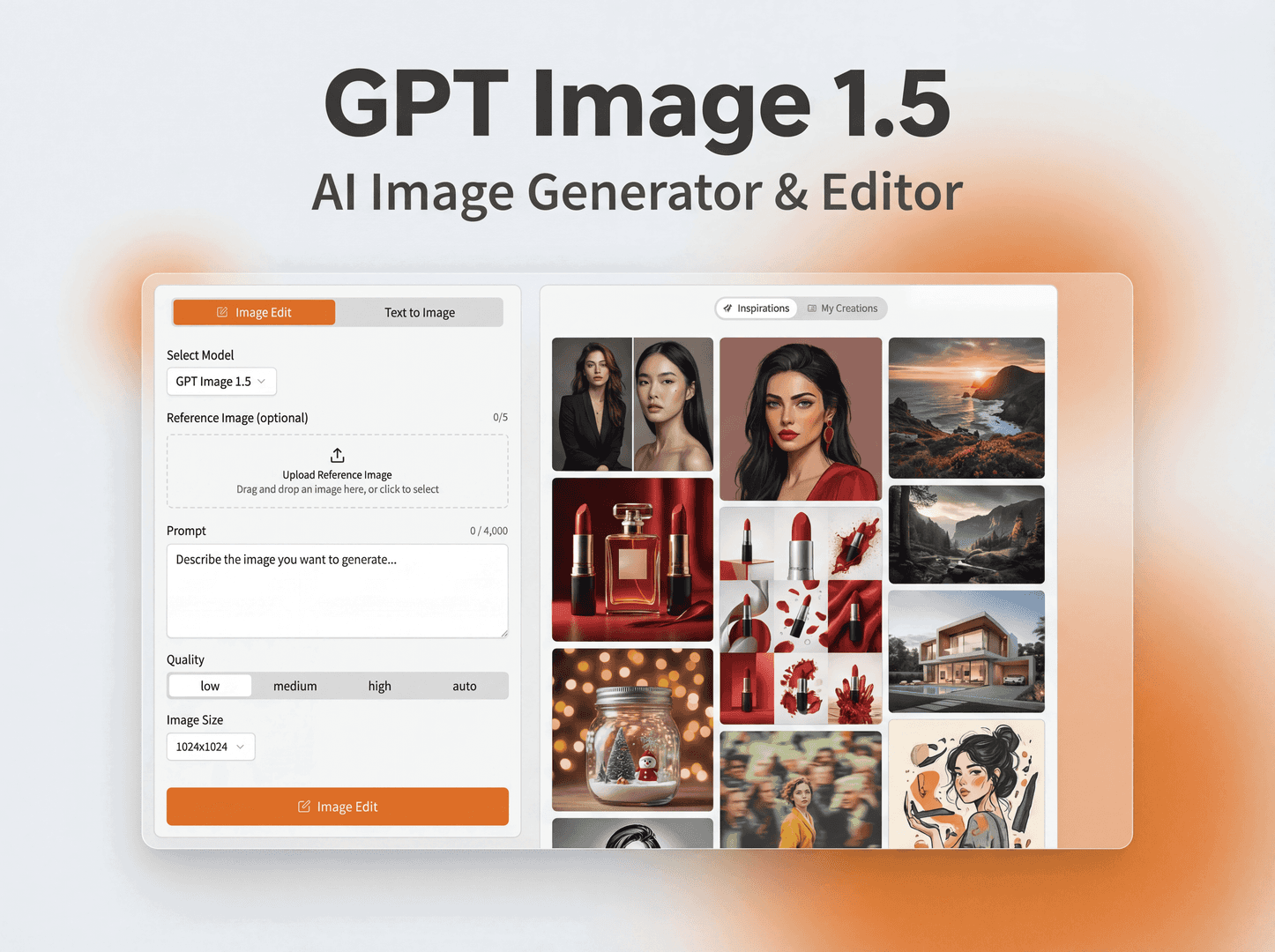
GPT Image 1.5 is an AI image studio powered by OpenAI's latest image generation model, gpt-image-1.5. It delivers production-quality visuals through an intuitive web interface — no coding required.
Unlike generic AI image tools, GPT Image 1.5 is built for real creative work: marketing materials, UI mockups, infographics, product photography, and more. The model offers major improvements in realism, text accuracy, and editability compared to previous generations.
Whether you're a designer iterating on concepts, a marketer creating campaign visuals, or a developer building AI-powered products, GPT Image 1.5 provides the precision and quality you need to move from idea to final output.
---
## How It Works
1. **Write Your Prompt**
Structure your prompt with background, subject, key details, and constraints. Include the intended use (ad, UI mockup, infographic) to set the visual mode and level of polish.
2. **Generate or Edit**
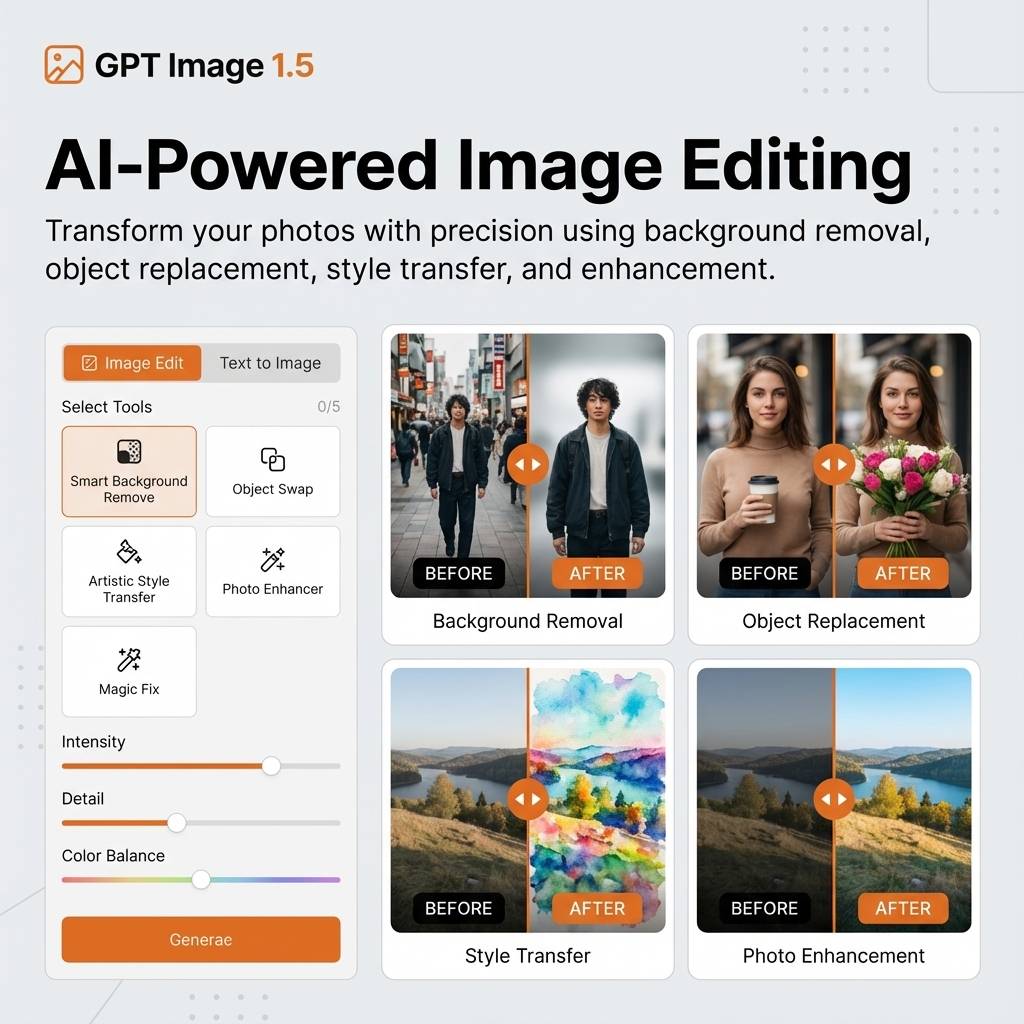
Choose Generate mode for text-to-image creation, or Edit mode to transform existing images with style transfer, object removal, or scene modifications.
3. **Refine Iteratively**
Start with a clean base prompt, then refine with small follow-ups like "make lighting warmer" or "remove the background". GPT Image 1.5 preserves context across iterations.
4. **Export Your Image**
Download high-resolution images ready for web, print, and presentations. Choose from PNG, JPEG, or WebP formats.
---
## What Makes Us Different
- **Production-Ready Quality:** Not just pretty images — GPT Image 1.5 produces visuals that are immediately usable in professional workflows without post-processing.
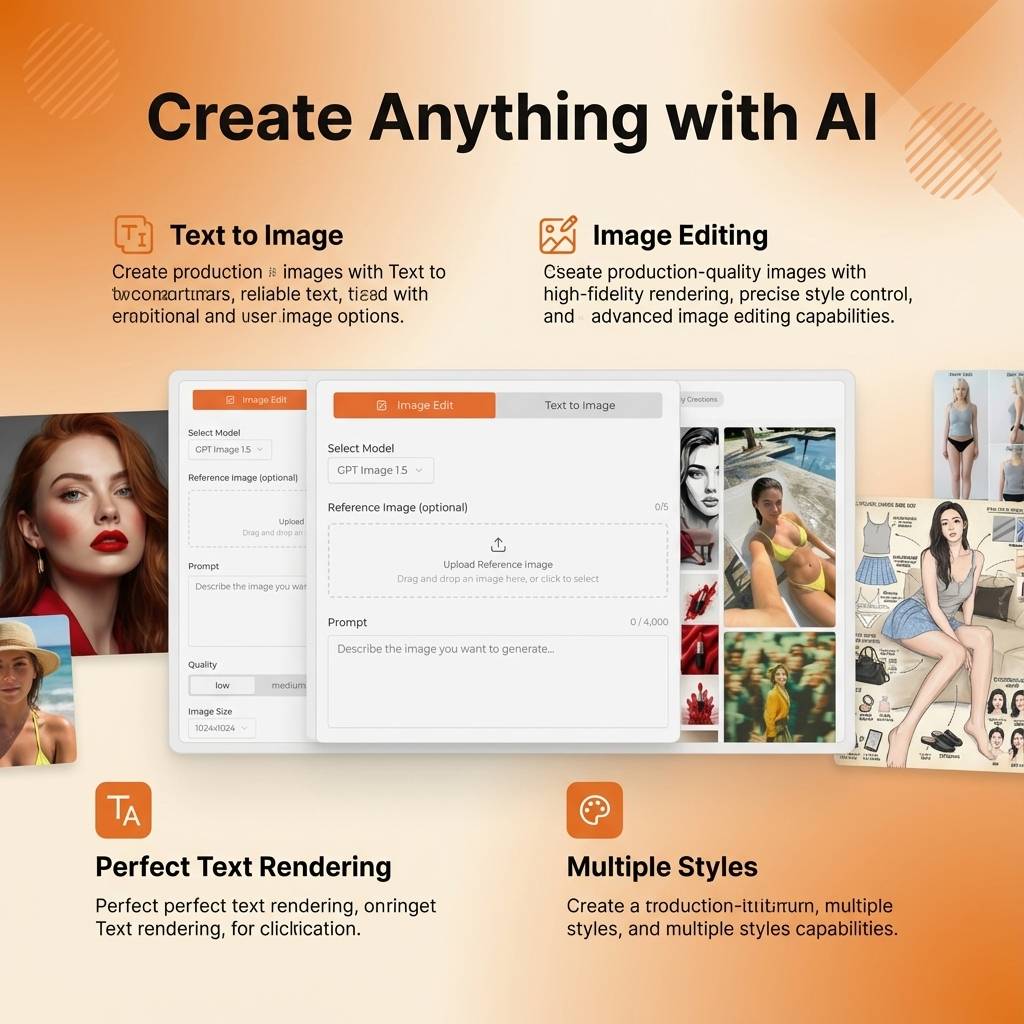
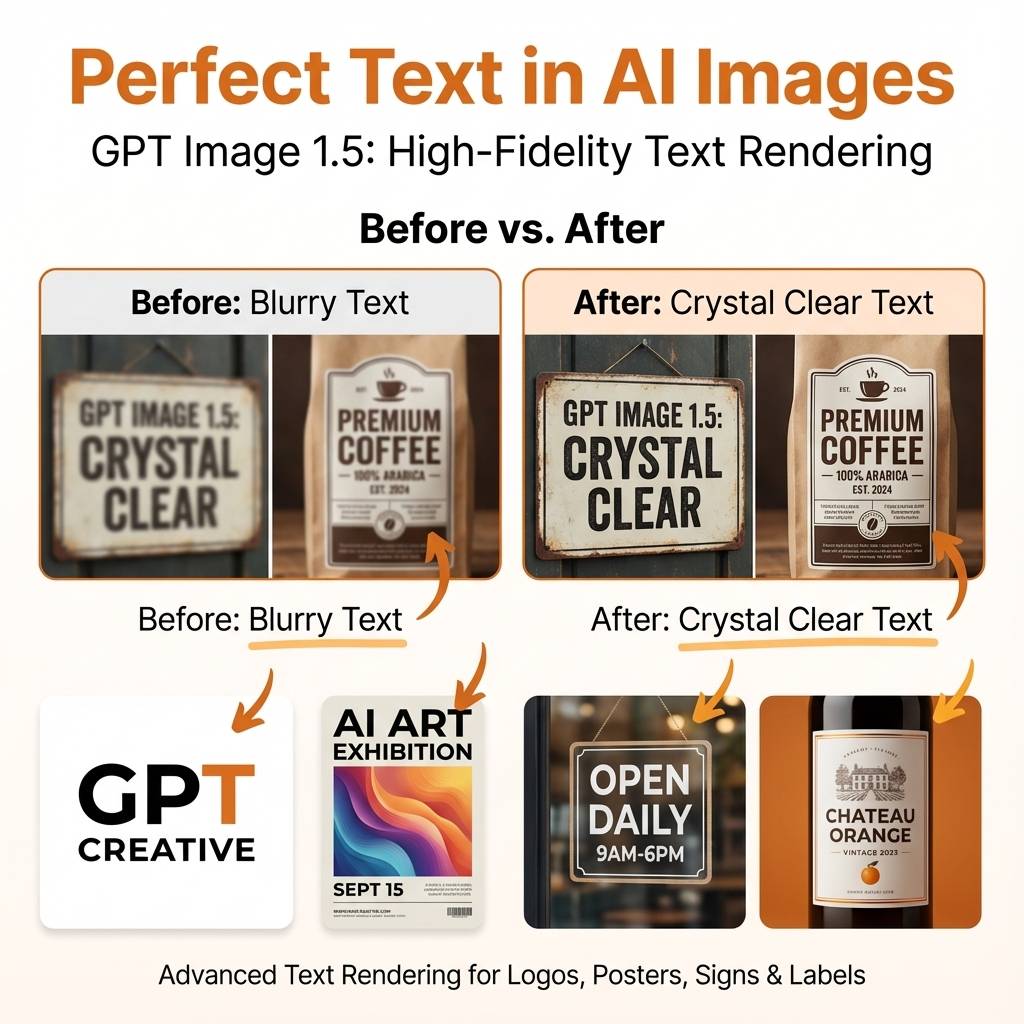
- **Reliable Text Rendering:** Finally, an AI model that can actually render text correctly. Crisp lettering, consistent typography, multi-language support — headlines, labels, and paragraphs just work.
- **True Image Editing:** Upload your own images and make precise edits. Change colors, swap objects, transfer styles — while preserving exactly what you want to keep.
- **Flexible Quality-Speed Tradeoff:** Choose between fast drafts for iteration and high-fidelity renders for final output — all from the same interface.
- **No Technical Barrier:** Access OpenAI's most advanced image model through a simple web interface. No API integration, no prompt engineering expertise required.
---
## Features
### Core Capabilities
- **High-Fidelity Photorealism** — Natural lighting, accurate materials, and rich color rendering that produces images indistinguishable from professional photography.
- **Reliable Text Rendering** — Crisp lettering, consistent layout, and strong contrast for in-image text. Supports headlines, paragraphs, and typography in multiple languages.
- **Complex Structured Visuals** — Create infographics, diagrams, multi-panel compositions, and data-driven visuals with accurate layouts and visual hierarchy.
- **Precise Style Control** — Apply style transfer with minimal prompting, from branded design systems to fine-art styles. Maintain consistency across image batches.
### Advanced Features
- **Robust Identity Preservation** — Facial features and key visual elements stay consistent across edits and multi-step workflows.
- **Multi-Image Compositing** — Combine elements from multiple reference images into cohesive, natural-looking compositions.
- **Iterative Refinement** — Make incremental changes while preserving context. Each edit builds on the previous output.
- **Quality Settings** — Choose from low-latency drafts to high-fidelity final renders based on your needs.
---
## Use Cases
### 🎨 AI Infographic Generator
Create detailed infographics with structured information. Handles dense layouts, heavy in-image text, and localizes designs into any language while preserving typography style.
### 📱 AI UI Design Generator
Generate realistic mobile app and web UI mockups with proper layout, hierarchy, and real interface elements. Perfect for rapid prototyping and client presentations.
### 👗 AI Virtual Try-On
E-commerce previews where identity preservation is critical. Locks the person's face, body shape, and expression while naturally fitting garments with realistic fabric behavior.
### 🖼️ AI Style Transfer Tool
Keep the visual language of a reference image—palette, texture, brushwork—while changing the subject or scene. Perfect for brand consistency.
### 📖 AI Comic Strip Generator
Transform narratives into visual comic stories. Converts sequences of clear visual beats into readable, well-paced panels with consistent characters.
### ✂️ AI Object Remover & Editor
Remove unwanted objects or modify details in photos with surgical precision. Maintains camera angle, lighting, shadows, and context.
GPT Image 1.5 is an AI image studio powered by OpenAI's latest image generation model, gpt-image-1.5. It delivers production-quality visuals through an intuitive web interface — no coding required.
Unlike generic AI image tools, GPT Image 1.5 is built for real creative work: marketing materials, UI mockups, infographics, product photography, and more. The model offers major improvements in realism, text accuracy, and editability compared to previous generations.
Whether you're a designer iterating on concepts, a marketer creating campaign visuals, or a developer building AI-powered products, GPT Image 1.5 provides the precision and quality you need to move from idea to final output.
---
## How It Works
1. **Write Your Prompt**
Structure your prompt with background, subject, key details, and constraints. Include the intended use (ad, UI mockup, infographic) to set the visual mode and level of polish.
2. **Generate or Edit**
Choose Generate mode for text-to-image creation, or Edit mode to transform existing images with style transfer, object removal, or scene modifications.
3. **Refine Iteratively**
Start with a clean base prompt, then refine with small follow-ups like "make lighting warmer" or "remove the background". GPT Image 1.5 preserves context across iterations.
4. **Export Your Image**
Download high-resolution images ready for web, print, and presentations. Choose from PNG, JPEG, or WebP formats.
---
## What Makes Us Different
- **Production-Ready Quality:** Not just pretty images — GPT Image 1.5 produces visuals that are immediately usable in professional workflows without post-processing.
- **Reliable Text Rendering:** Finally, an AI model that can actually render text correctly. Crisp lettering, consistent typography, multi-language support — headlines, labels, and paragraphs just work.
- **True Image Editing:** Upload your own images and make precise edits. Change colors, swap objects, transfer styles — while preserving exactly what you want to keep.
- **Flexible Quality-Speed Tradeoff:** Choose between fast drafts for iteration and high-fidelity renders for final output — all from the same interface.
- **No Technical Barrier:** Access OpenAI's most advanced image model through a simple web interface. No API integration, no prompt engineering expertise required.
---
## Features
### Core Capabilities
- **High-Fidelity Photorealism** — Natural lighting, accurate materials, and rich color rendering that produces images indistinguishable from professional photography.
- **Reliable Text Rendering** — Crisp lettering, consistent layout, and strong contrast for in-image text. Supports headlines, paragraphs, and typography in multiple languages.
- **Complex Structured Visuals** — Create infographics, diagrams, multi-panel compositions, and data-driven visuals with accurate layouts and visual hierarchy.
- **Precise Style Control** — Apply style transfer with minimal prompting, from branded design systems to fine-art styles. Maintain consistency across image batches.
### Advanced Features
- **Robust Identity Preservation** — Facial features and key visual elements stay consistent across edits and multi-step workflows.
- **Multi-Image Compositing** — Combine elements from multiple reference images into cohesive, natural-looking compositions.
- **Iterative Refinement** — Make incremental changes while preserving context. Each edit builds on the previous output.
- **Quality Settings** — Choose from low-latency drafts to high-fidelity final renders based on your needs.
---
## Use Cases
### 🎨 AI Infographic Generator
Create detailed infographics with structured information. Handles dense layouts, heavy in-image text, and localizes designs into any language while preserving typography style.
### 📱 AI UI Design Generator
Generate realistic mobile app and web UI mockups with proper layout, hierarchy, and real interface elements. Perfect for rapid prototyping and client presentations.
### 👗 AI Virtual Try-On
E-commerce previews where identity preservation is critical. Locks the person's face, body shape, and expression while naturally fitting garments with realistic fabric behavior.
### 🖼️ AI Style Transfer Tool
Keep the visual language of a reference image—palette, texture, brushwork—while changing the subject or scene. Perfect for brand consistency.
### 📖 AI Comic Strip Generator
Transform narratives into visual comic stories. Converts sequences of clear visual beats into readable, well-paced panels with consistent characters.
### ✂️ AI Object Remover & Editor
Remove unwanted objects or modify details in photos with surgical precision. Maintains camera angle, lighting, shadows, and context.