
Lazyscreenshots
The Mac screenshot tool for builders

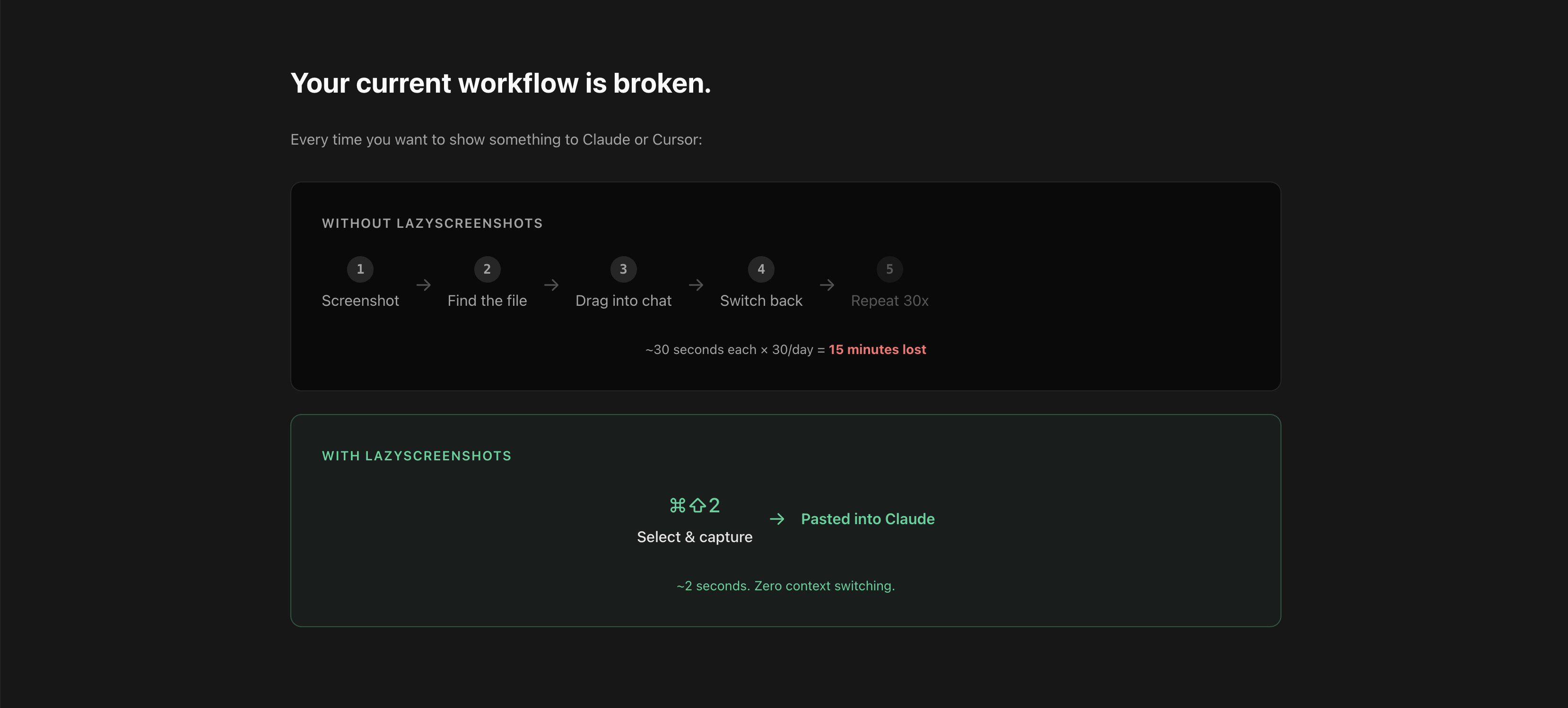

Lazyscreenshots is a screenshot tool for builders. I built it for myself because I was getting frustrated by having to go back and forth between my browser, Claude and figma 50 times a day uploading my screenshot, annotating it, measuring UI elements to make sure its up to spec.
So I built a lightweight mac tool that makes it super easy to do all the things I need to do while building products with AI:
-Capture & Auto-paste (CMD+SHIFT+2) -> Select a region. It's captured, copied, and auto-pasted into your AI assistant. One keystroke, zero friction.
- Screenshot History (CMD+SHIFT+V) -> Browse your recent screenshots in a grid overlay. Click to select, Enter to paste. Your visual clipboard.
- Burst mode (automatic) -> Whenever u take more than 1 screenshot in succession, ALL THE SCREENSHOTS ARE COPIED TO CLIPBOARD. So u just CMD+V in any app. This is super helpful when doing QA and have a few thoughts on implementation
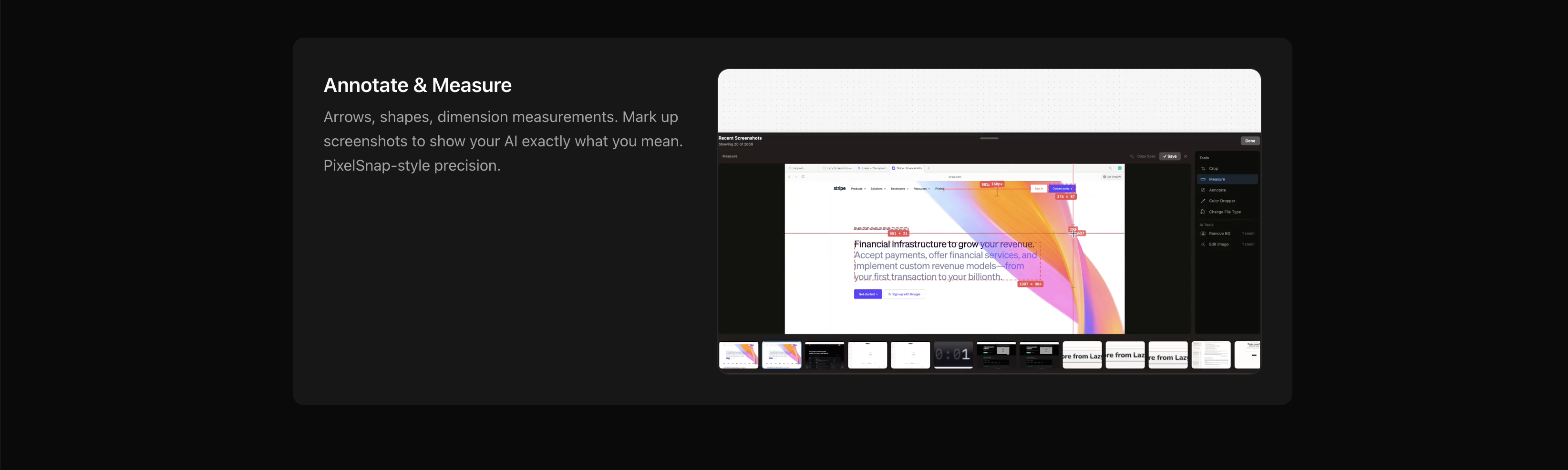
-Annotate & Measure -> Select any UI element, it automatically detects dimensions, margins, length between two items. Super helpful when doing competitive/design inspo research to know exactly what the right margin, padding, dimensions to use
- Overlays -> This is the thing I use the most, whenever you are inside any app you can just pull up the screenshot history, select any screenshot to annotate, measure stuff, drop notes, pixelate, then paste into Claude/Codex/Figma/ Notion..whatever app you are on. Not having to break flows or use separete editing apps, and doing everything in an overlay INSIDE THE APP U R WORKING IN has been a game changer for me...I don't know if I can ever go back.
The whole thing with Lazyscreenshots is that it keeps u in flow when working...less context switching, more building
So I built a lightweight mac tool that makes it super easy to do all the things I need to do while building products with AI:
-Capture & Auto-paste (CMD+SHIFT+2) -> Select a region. It's captured, copied, and auto-pasted into your AI assistant. One keystroke, zero friction.
- Screenshot History (CMD+SHIFT+V) -> Browse your recent screenshots in a grid overlay. Click to select, Enter to paste. Your visual clipboard.
- Burst mode (automatic) -> Whenever u take more than 1 screenshot in succession, ALL THE SCREENSHOTS ARE COPIED TO CLIPBOARD. So u just CMD+V in any app. This is super helpful when doing QA and have a few thoughts on implementation
-Annotate & Measure -> Select any UI element, it automatically detects dimensions, margins, length between two items. Super helpful when doing competitive/design inspo research to know exactly what the right margin, padding, dimensions to use
- Overlays -> This is the thing I use the most, whenever you are inside any app you can just pull up the screenshot history, select any screenshot to annotate, measure stuff, drop notes, pixelate, then paste into Claude/Codex/Figma/ Notion..whatever app you are on. Not having to break flows or use separete editing apps, and doing everything in an overlay INSIDE THE APP U R WORKING IN has been a game changer for me...I don't know if I can ever go back.
The whole thing with Lazyscreenshots is that it keeps u in flow when working...less context switching, more building