Hey everyone! 👋
I'm the maker of Mail2Cal. I built it because I was tired of the same routine: open an email, read the date, switch to Calendar, type everything in manually. Multiply that by 10 emails a day and it adds up fast.
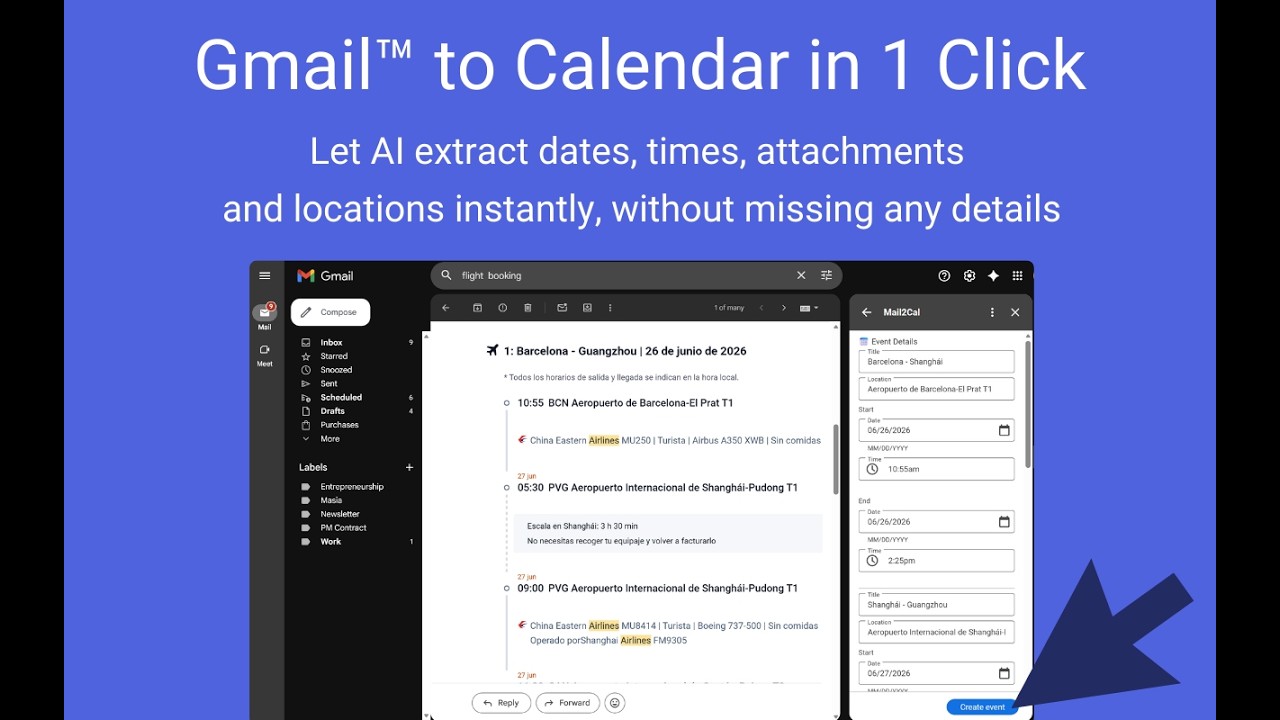
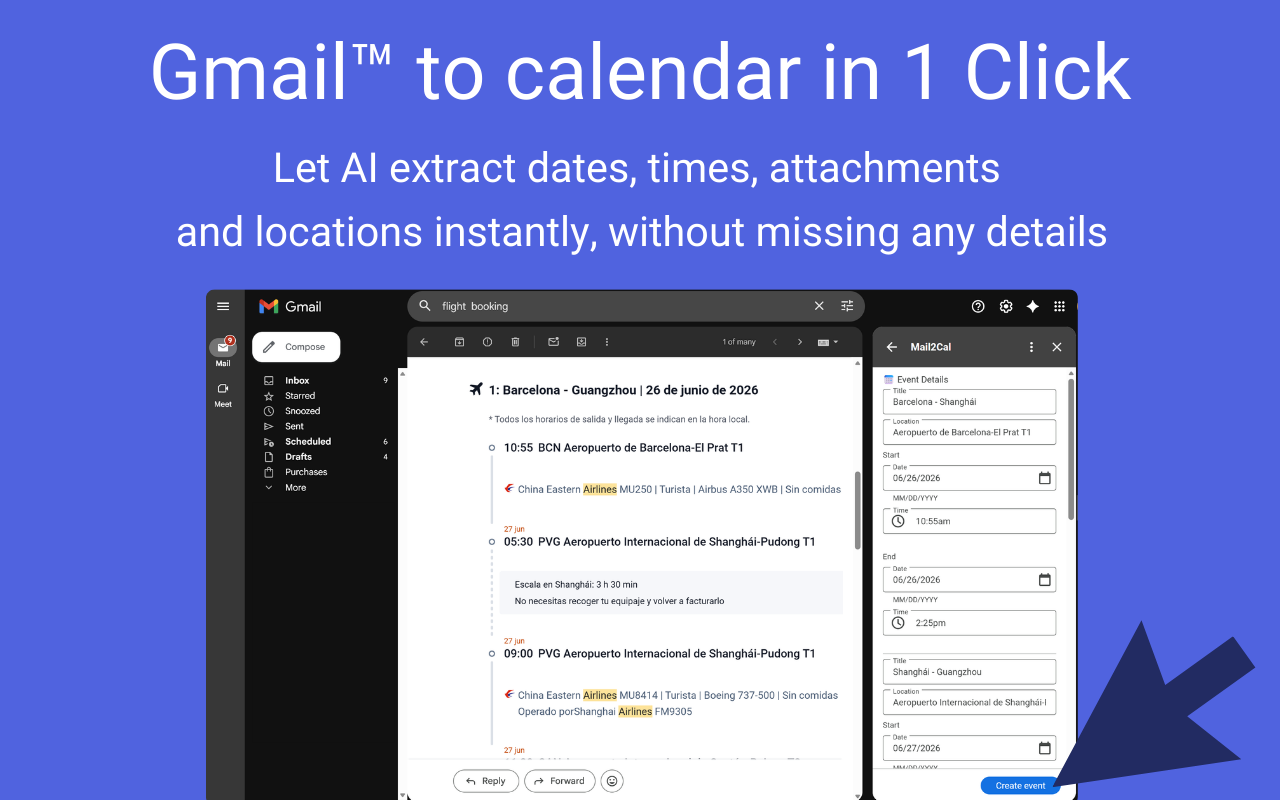
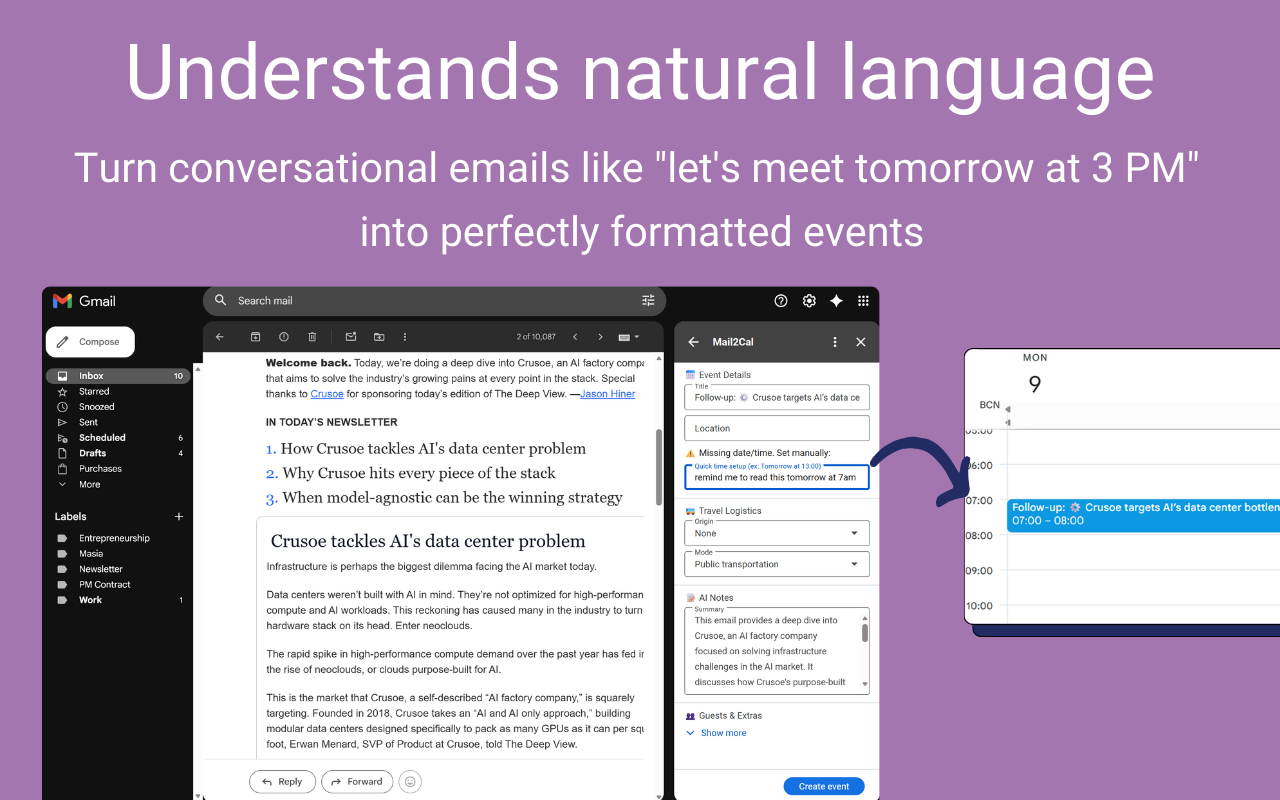
Mail2Cal lives inside Gmail as a sidebar: no tab switching. Open an email, click the button, and the AI extracts dates, times, locations, and meeting links into a ready-to-create event.
A few things I'm especially proud of:
🗂 Smart attachments: It detects relevant files in the email, saves them to Google Drive, and links them directly to the calendar event.
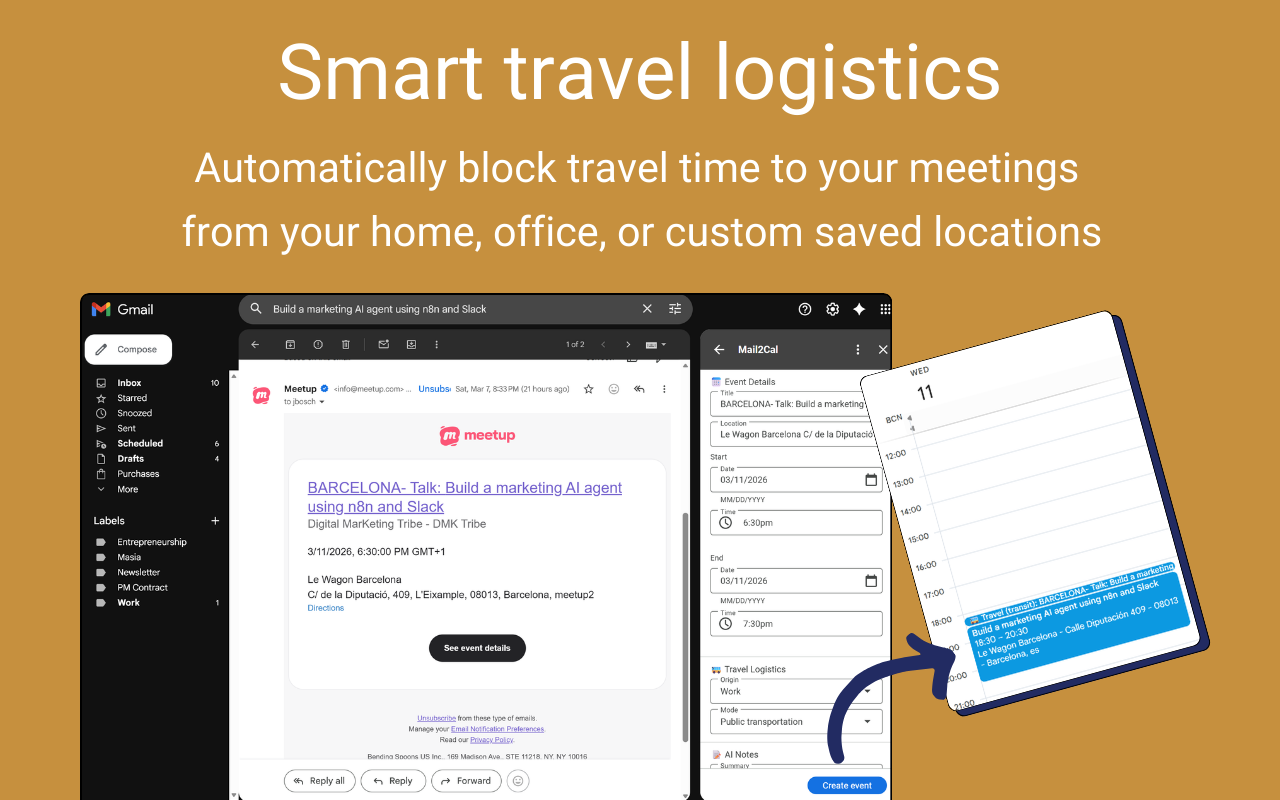
🚗 Travel time events: If your event has a physical location, Mail2Cal creates a separate "travel" event before it, calculating the commute time via Google Maps with your preferred transport mode.
💬 Natural language events: Need to schedule a follow-up? Just type "follow up in 3 days at 10am" and it creates the event. No forms, no date pickers.
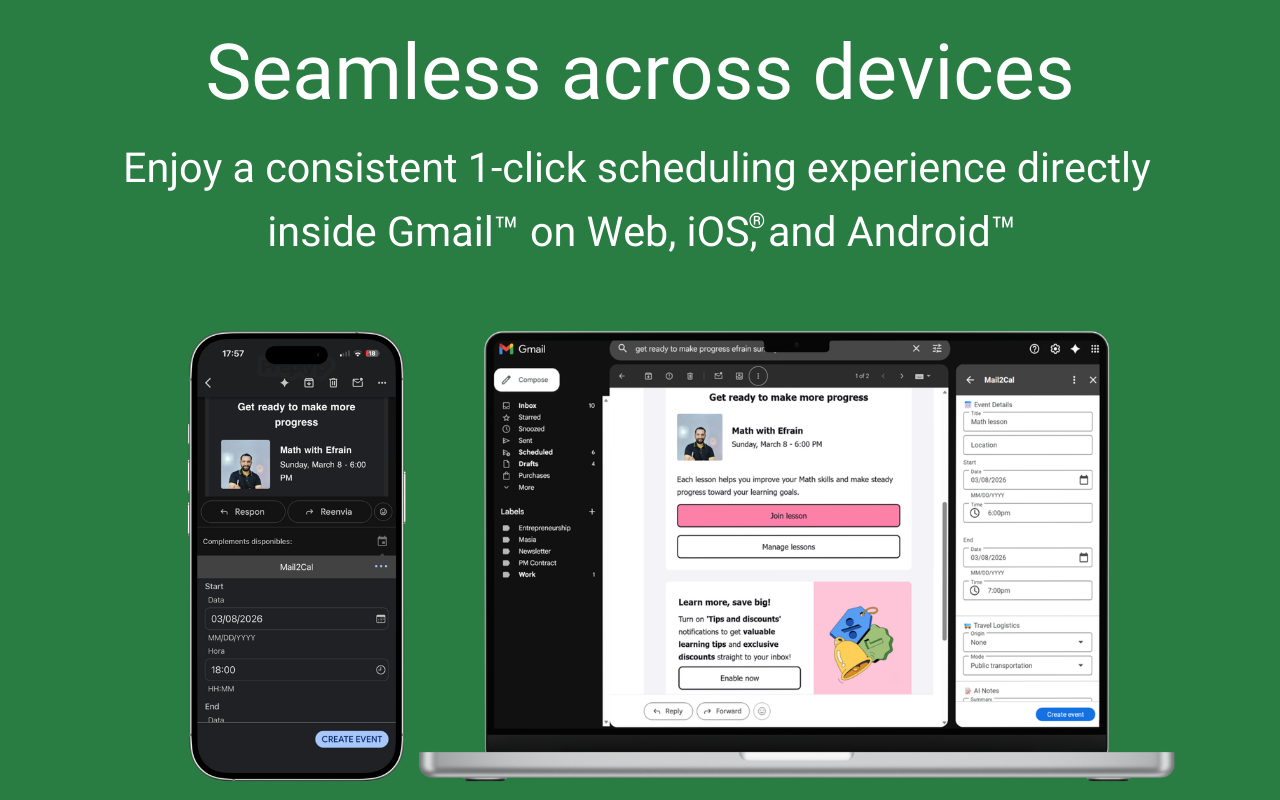
It's free during beta, privacy-first (zero data storage), and works on desktop and mobile.
I'm the maker of Mail2Cal. I built it because I was tired of the same routine: open an email, read the date, switch to Calendar, type everything in manually. Multiply that by 10 emails a day and it adds up fast.
Mail2Cal lives inside Gmail as a sidebar: no tab switching. Open an email, click the button, and the AI extracts dates, times, locations, and meeting links into a ready-to-create event.
A few things I'm especially proud of:
🗂 Smart attachments: It detects relevant files in the email, saves them to Google Drive, and links them directly to the calendar event.
🚗 Travel time events: If your event has a physical location, Mail2Cal creates a separate "travel" event before it, calculating the commute time via Google Maps with your preferred transport mode.
💬 Natural language events: Need to schedule a follow-up? Just type "follow up in 3 days at 10am" and it creates the event. No forms, no date pickers.
It's free during beta, privacy-first (zero data storage), and works on desktop and mobile.