OffCode Tor Chat
Setting up your own self-hosted chat on the Tor network has never been this easy.
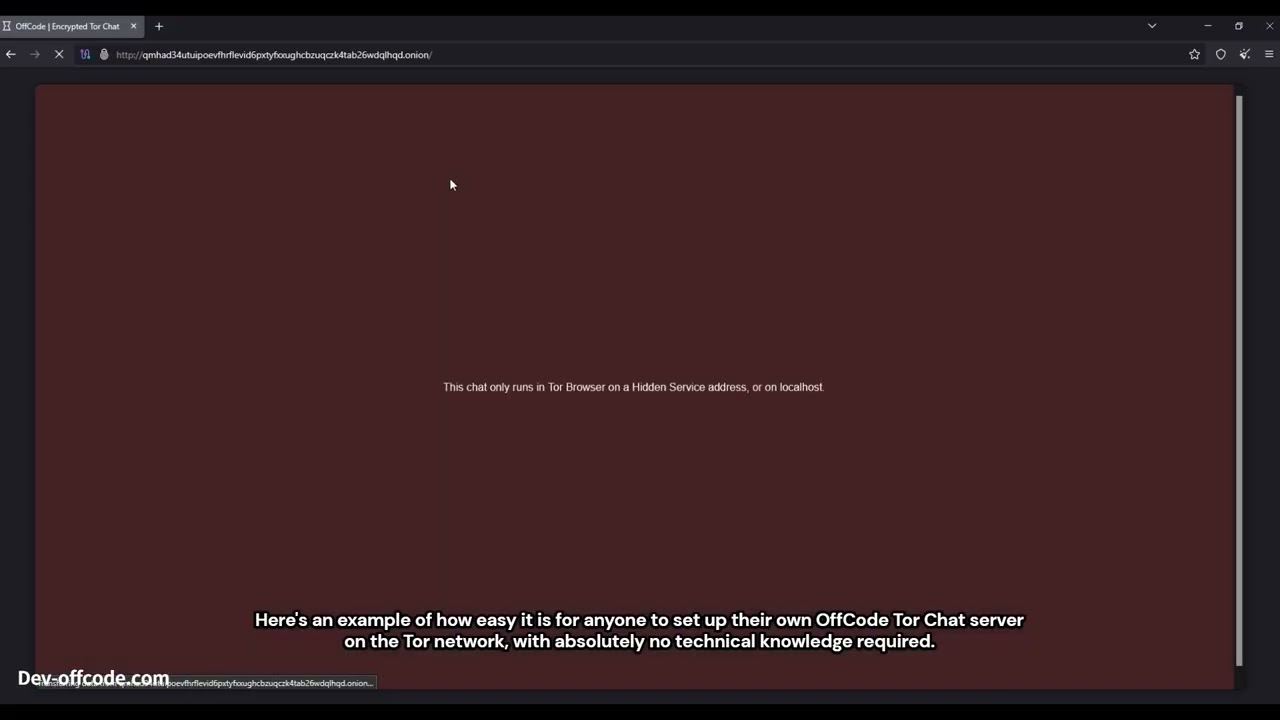


Setting up your own self-hosted chat on the Tor network has never been this easy. Guests open your .onion link in Tor Browser: no port forwarding, no cloud account, and no complicated setup. OffCode Tor Chat is designed to make secure Tor Hidden Service hosting simple.
Host with Server Manager on Windows, or Docker. Copy the .onion URL and send it to your guests. They join in Tor Browser with a display name only: no accounts, no phone numbers, nothing to install on their side.
Password rooms stay private: the host cannot read the messages. Open rooms are public channels by design. Hidden rooms stay off the public list and use invite links. Creators get room settings in the app (details under Features). Messages are encrypted in the browser before they reach your server. How it works and Features cover the encryption design.
Server Manager
Windows host console for your Tor chat stack
Server Manager is the host-side control panel: it starts and stops ChatServer plus a Tor v3 Hidden Service, shows the .onion URL to share, optionally enables Full Vanguards, and lets you administer rooms and storage. The host never receives plaintext from clients; password-room keys stay in browsers. Open-room keys are derivable from the room id by design.
Start ChatServer first (Production, waits for /api/health), then enable Tor
Copy and share the published .onion URL
Optional Full Vanguards checkbox (Python + Stem) for long-lived HS hardening
Create room: add an open public room by name. You own it with the Admin key (copy into onion Profile Restore; the i button explains this). The key is not stored in config.ini
Maximum Number of Rooms: caps how many public rooms people can create from the onion page
Disable Room Creation: checkbox; when on, nobody can create rooms from the onion site. You can still Create room from Server Manager
Start server on startup: Save writes Windows logon start (HKCU Run). ChatServer (and Tor if you saved it on) then start without extra dialogs
Live room list (room id, locked flag, online count only, no message content)
Remove a selected room in realtime: connected users are forced back to the lobby; ciphertext for that room is deleted with secure_delete + VACUUM
Remove SQL data: securely overwrites (then deletes) the SQLCipher DB, WAL/SHM, and db.key.dpapi; optional checkbox also wipes Tor Hidden Service keys (.onion identity). Does not delete the Admin key
Generate new address: securely wipes HS keys and publishes a new .onion (chat DB unchanged)
Point at your ChatServer project path and Save / Load host config (config.ini next to the exe; not shipped in the release zip)
Why use OffCode Tor Chat?
-No port forwarding, no cloud account, and no complicated setup.
- You self-host on a Tor Hidden Service; password rooms keep message keys in the browser so conversations never sit in plaintext on a centralized scanned platform.
-No accounts: guests join with a display name only
Host with Server Manager on Windows, or Docker. Copy the .onion URL and send it to your guests. They join in Tor Browser with a display name only: no accounts, no phone numbers, nothing to install on their side.
Password rooms stay private: the host cannot read the messages. Open rooms are public channels by design. Hidden rooms stay off the public list and use invite links. Creators get room settings in the app (details under Features). Messages are encrypted in the browser before they reach your server. How it works and Features cover the encryption design.
Server Manager
Windows host console for your Tor chat stack
Server Manager is the host-side control panel: it starts and stops ChatServer plus a Tor v3 Hidden Service, shows the .onion URL to share, optionally enables Full Vanguards, and lets you administer rooms and storage. The host never receives plaintext from clients; password-room keys stay in browsers. Open-room keys are derivable from the room id by design.
Start ChatServer first (Production, waits for /api/health), then enable Tor
Copy and share the published .onion URL
Optional Full Vanguards checkbox (Python + Stem) for long-lived HS hardening
Create room: add an open public room by name. You own it with the Admin key (copy into onion Profile Restore; the i button explains this). The key is not stored in config.ini
Maximum Number of Rooms: caps how many public rooms people can create from the onion page
Disable Room Creation: checkbox; when on, nobody can create rooms from the onion site. You can still Create room from Server Manager
Start server on startup: Save writes Windows logon start (HKCU Run). ChatServer (and Tor if you saved it on) then start without extra dialogs
Live room list (room id, locked flag, online count only, no message content)
Remove a selected room in realtime: connected users are forced back to the lobby; ciphertext for that room is deleted with secure_delete + VACUUM
Remove SQL data: securely overwrites (then deletes) the SQLCipher DB, WAL/SHM, and db.key.dpapi; optional checkbox also wipes Tor Hidden Service keys (.onion identity). Does not delete the Admin key
Generate new address: securely wipes HS keys and publishes a new .onion (chat DB unchanged)
Point at your ChatServer project path and Save / Load host config (config.ini next to the exe; not shipped in the release zip)
Why use OffCode Tor Chat?
-No port forwarding, no cloud account, and no complicated setup.
- You self-host on a Tor Hidden Service; password rooms keep message keys in the browser so conversations never sit in plaintext on a centralized scanned platform.
-No accounts: guests join with a display name only