



What SaneBar Does
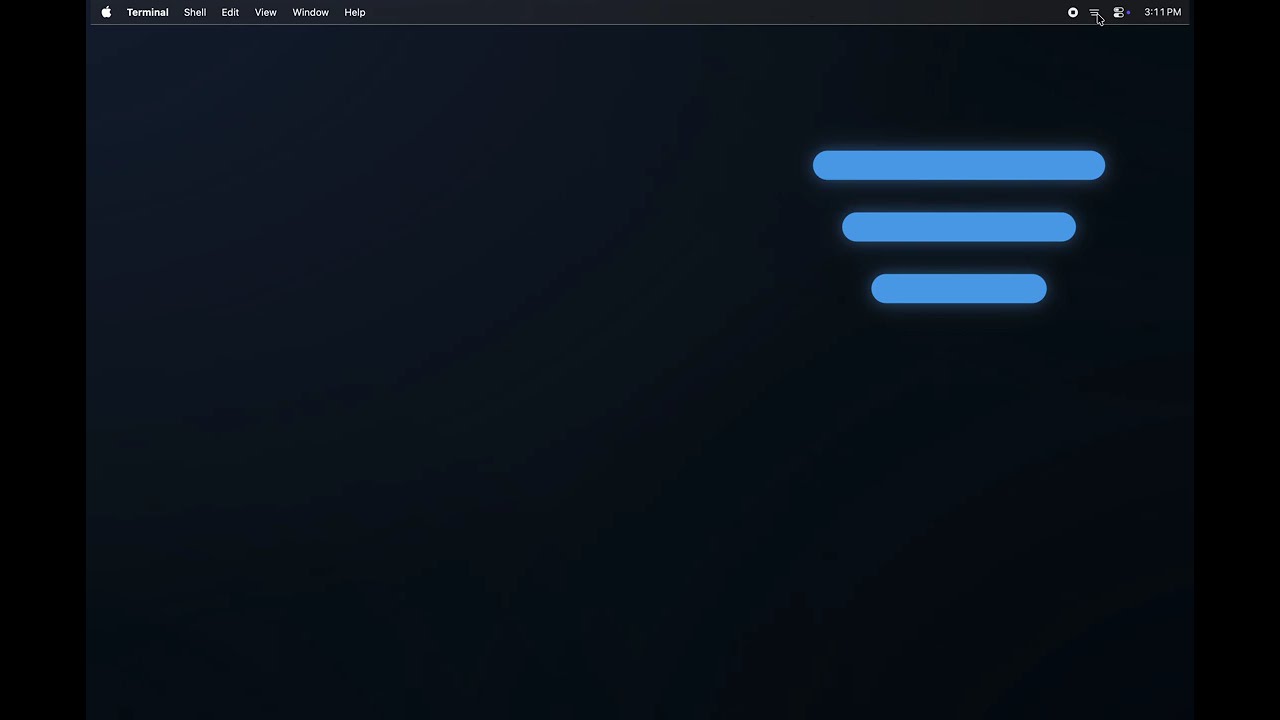
SaneBar is a privacy-first menu bar manager for macOS designed to clean up and organize the row of icons at the top of your screen. Its core functions include:
Clutter Management: It allows you to hide rarely used icons while keeping your most important ones visible. You can toggle hidden icons with a single click or a keyboard shortcut.
The "Notch" Solution: On newer MacBooks, the camera notch often hides menu bar icons if there are too many. SaneBar features a Power Search tool that lets you find and "virtually click" any icon, even if it is physically hidden behind the notch.
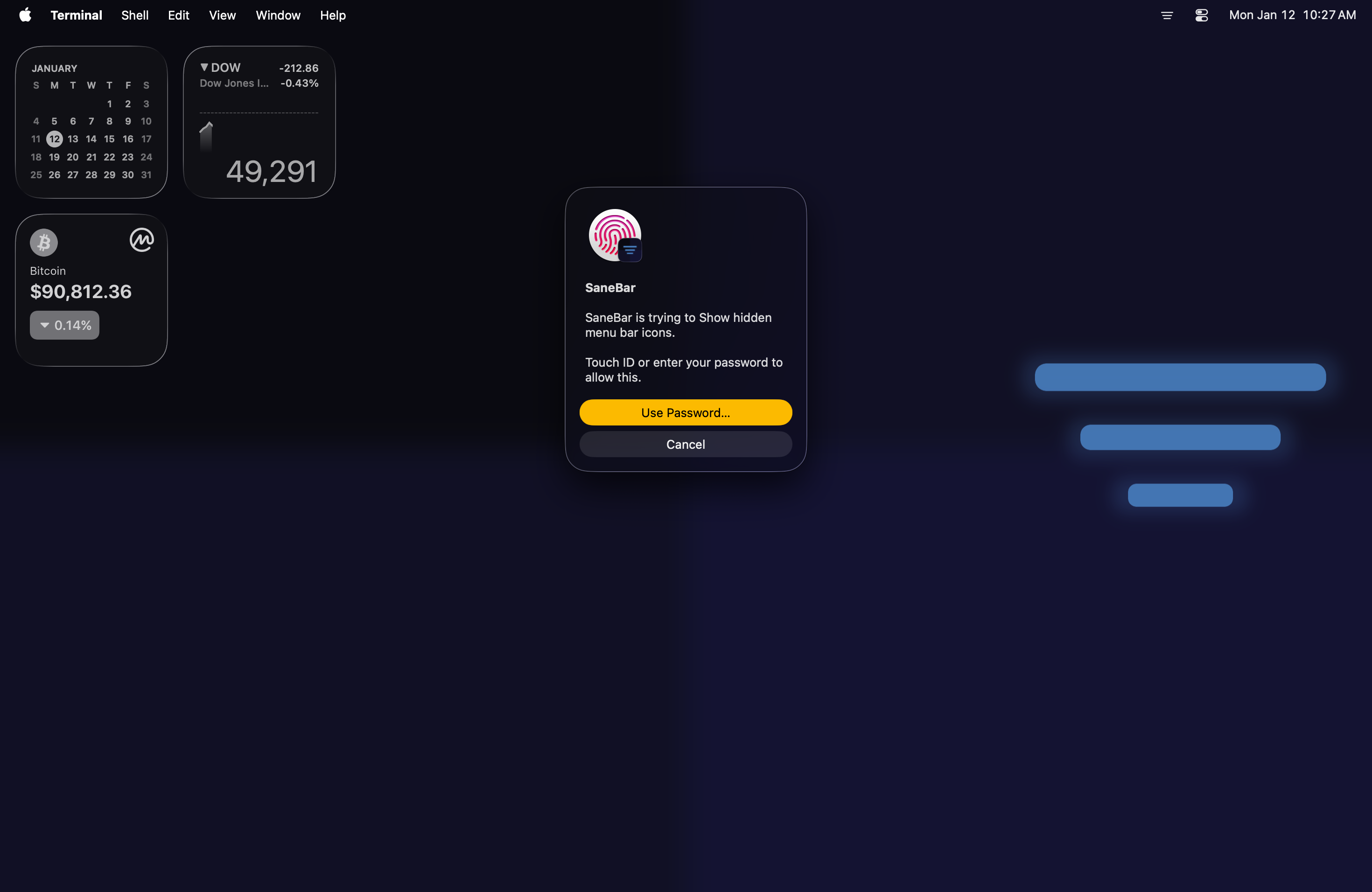
Secure Reveal: It is currently the only manager that allows you to lock specific hidden icons (like crypto wallets, VPNs, or messaging apps) behind Touch ID or a system password.
Privacy & Performance: It is built to be "100% on-device," meaning it makes zero network requests, has no analytics, and requires no account. It is also native and scriptable via AppleScript for automation.
Who It’s For
SaneBar is targeted at three main groups:
Mac Power Users: People who use many background utilities (like VPNs, focus timers, and system monitors) and want a clean workspace without losing access to their tools.
MacBook Pro/Air Owners: Users with "notched" screens who are frustrated by macOS hiding icons they need to see.
Privacy-Conscious Users: Those who prefer open-source, lightweight software over paid alternatives that might include telemetry, tracking, or subscription models.
Why It Was Built
The story behind SaneBar is unique because it was built by a "non-coder" using AI.
The "Vibe Coding" Movement: The creator, Stephan Joseph, built the first working draft of the entire application in a single weekend using Claude Code (an AI agent). It's been a LOT of work since then! He wanted to prove that a fully functional, high-quality native app could be built by someone without a traditional development background.
Frustration with Alternatives: The project was motivated by a desire for an, open-source, and truly private alternative to existing menu bar managers that have become increasingly complex or transitioned to subscription models.
Specific Pain Points: It was specifically designed to solve the "notch" problem and the lack of native security features (like Touch ID locking) in other menu bar managers.
SaneBar is a privacy-first menu bar manager for macOS designed to clean up and organize the row of icons at the top of your screen. Its core functions include:
Clutter Management: It allows you to hide rarely used icons while keeping your most important ones visible. You can toggle hidden icons with a single click or a keyboard shortcut.
The "Notch" Solution: On newer MacBooks, the camera notch often hides menu bar icons if there are too many. SaneBar features a Power Search tool that lets you find and "virtually click" any icon, even if it is physically hidden behind the notch.
Secure Reveal: It is currently the only manager that allows you to lock specific hidden icons (like crypto wallets, VPNs, or messaging apps) behind Touch ID or a system password.
Privacy & Performance: It is built to be "100% on-device," meaning it makes zero network requests, has no analytics, and requires no account. It is also native and scriptable via AppleScript for automation.
Who It’s For
SaneBar is targeted at three main groups:
Mac Power Users: People who use many background utilities (like VPNs, focus timers, and system monitors) and want a clean workspace without losing access to their tools.
MacBook Pro/Air Owners: Users with "notched" screens who are frustrated by macOS hiding icons they need to see.
Privacy-Conscious Users: Those who prefer open-source, lightweight software over paid alternatives that might include telemetry, tracking, or subscription models.
Why It Was Built
The story behind SaneBar is unique because it was built by a "non-coder" using AI.
The "Vibe Coding" Movement: The creator, Stephan Joseph, built the first working draft of the entire application in a single weekend using Claude Code (an AI agent). It's been a LOT of work since then! He wanted to prove that a fully functional, high-quality native app could be built by someone without a traditional development background.
Frustration with Alternatives: The project was motivated by a desire for an, open-source, and truly private alternative to existing menu bar managers that have become increasingly complex or transitioned to subscription models.
Specific Pain Points: It was specifically designed to solve the "notch" problem and the lack of native security features (like Touch ID locking) in other menu bar managers.