
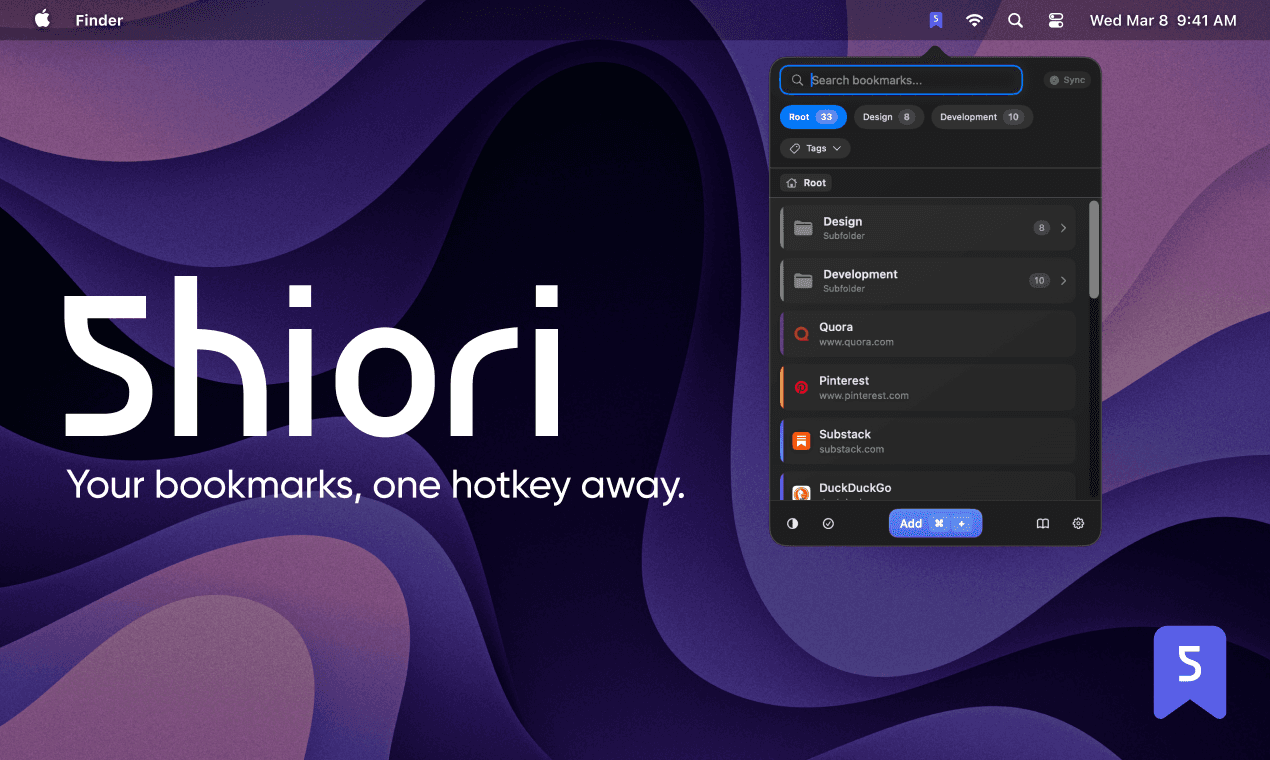
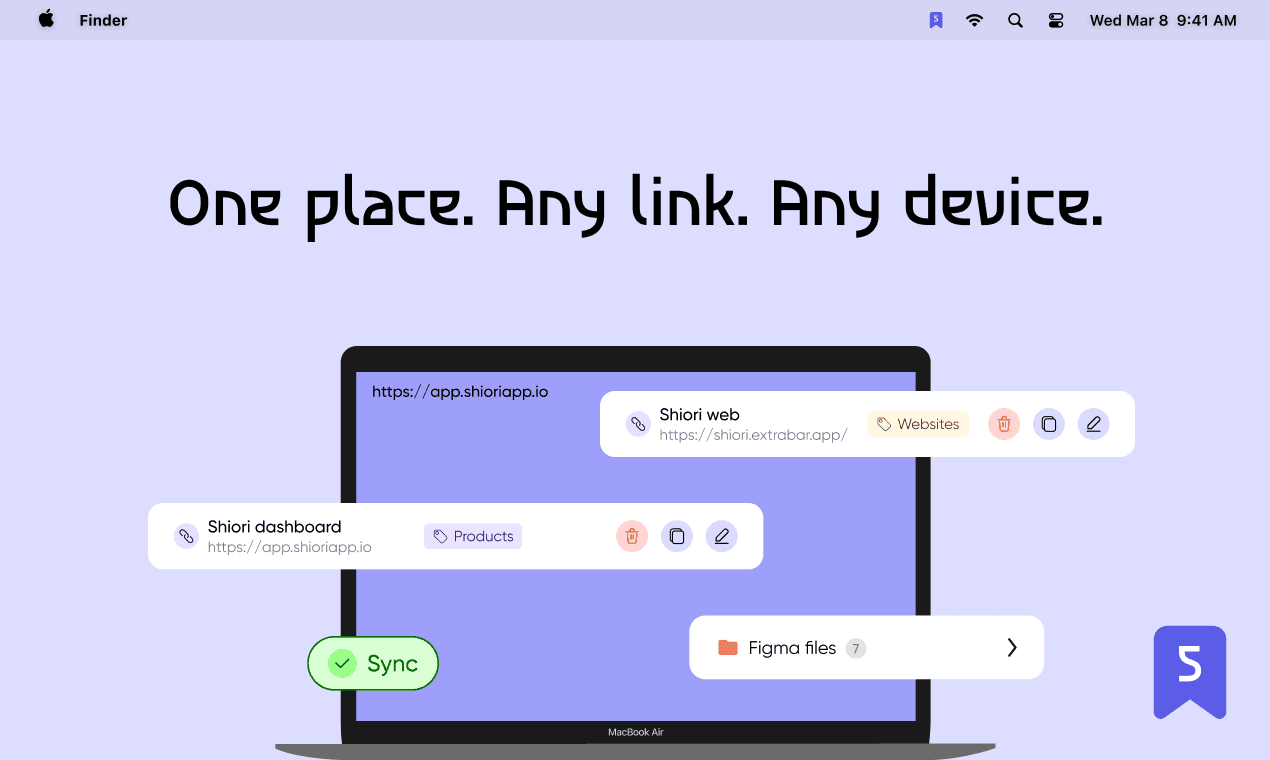
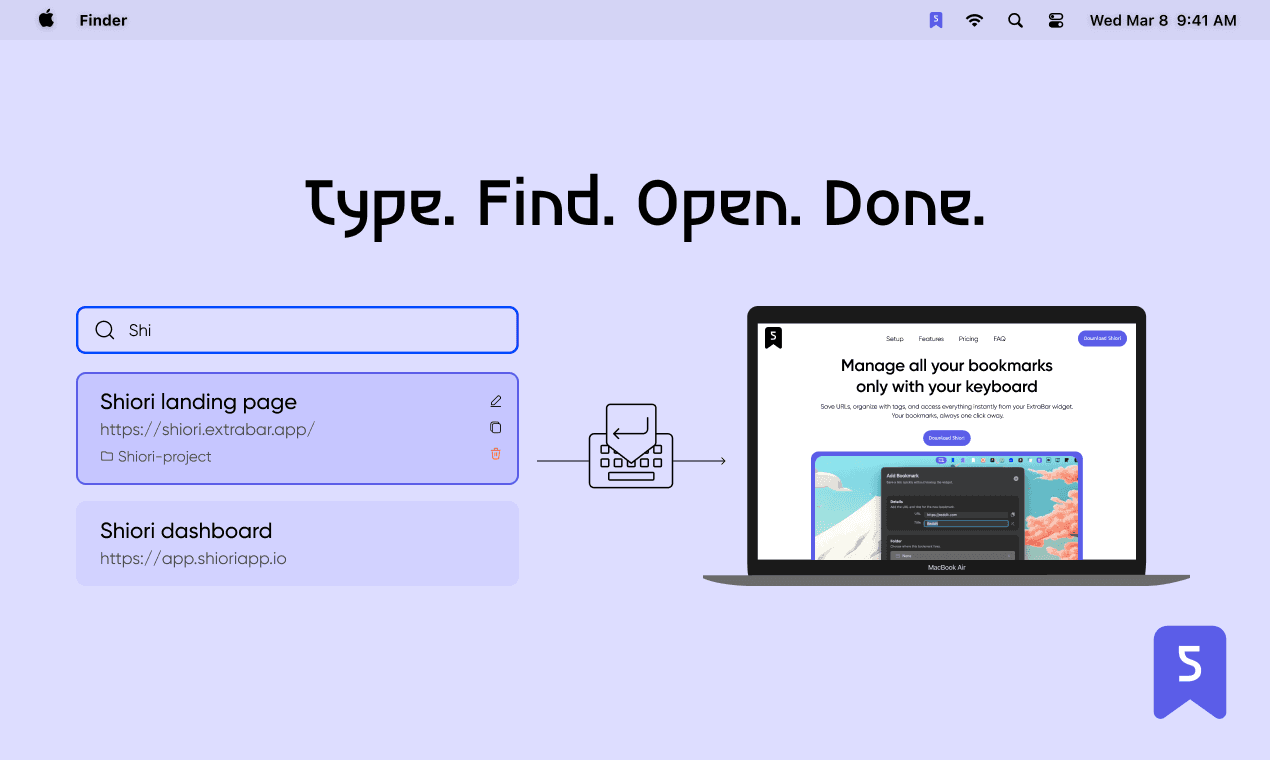
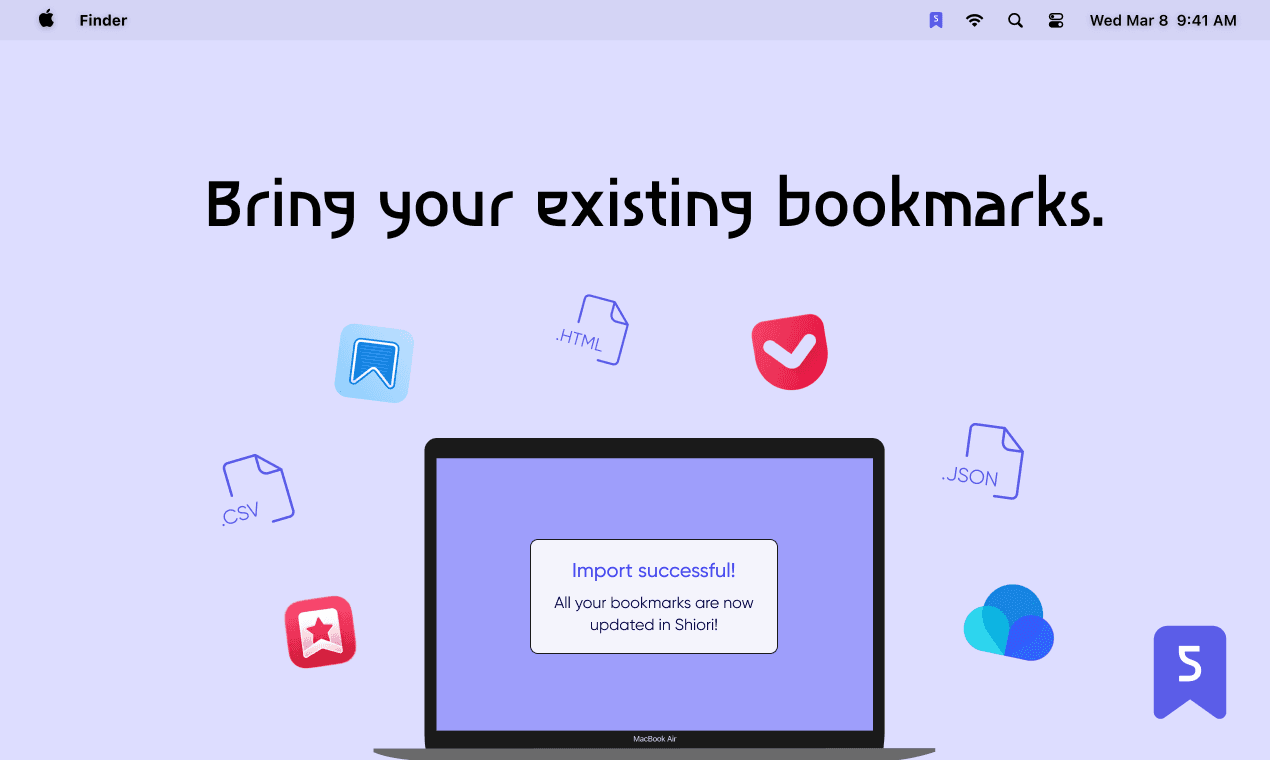
Shiori is a bookmark manager that lives in your macOS menu bar. Save, organize, and open your bookmarks without switching apps or opening a browser. You save links with tags, folders, and descriptions. Full-text search finds anything instantly — by title, URL, tag, or description. Saved Filters let you create custom views for specific combinations of tags and folders, so the right bookmarks are always in front of you. Keyboard-driven from the ground up. Open Shiori with a hotkey, navigate with arrow keys, and launch any link without touching the mouse. No windows to manage, no browser tabs to dig through. Import your existing bookmarks from any browser or bookmark manager — JSON, CSV, or HTML export files are all supported. Your entire library migrates in minutes, with your folder structure preserved. Shiori syncs across all your Macs instantly. A web dashboard is available for managing bookmarks from any browser. iOS, Android, and browser extensions are coming soon. Features: Save bookmarks directly from the macOS menu bar. Organize with tags, folders, and custom colors. Full-text search across titles, URLs, tags, and descriptions. Saved Filters for custom bookmark views. Import from any browser or bookmark manager (JSON, CSV, HTML). Instant sync across all your Macs. Web dashboard for browser-based management. Keyboard-driven navigation — hotkey access, arrow keys, no mouse needed. Lifetime Professional plan — no subscriptions.