

Vault CMS
Use Obsidian as a CMS for your Astro site

What is Vault CMS?
Vault CMS Is an open-source headless content management system that turns Obsidian into a publishing platform for Astro.
Features
• Easy integration into Astro website projects
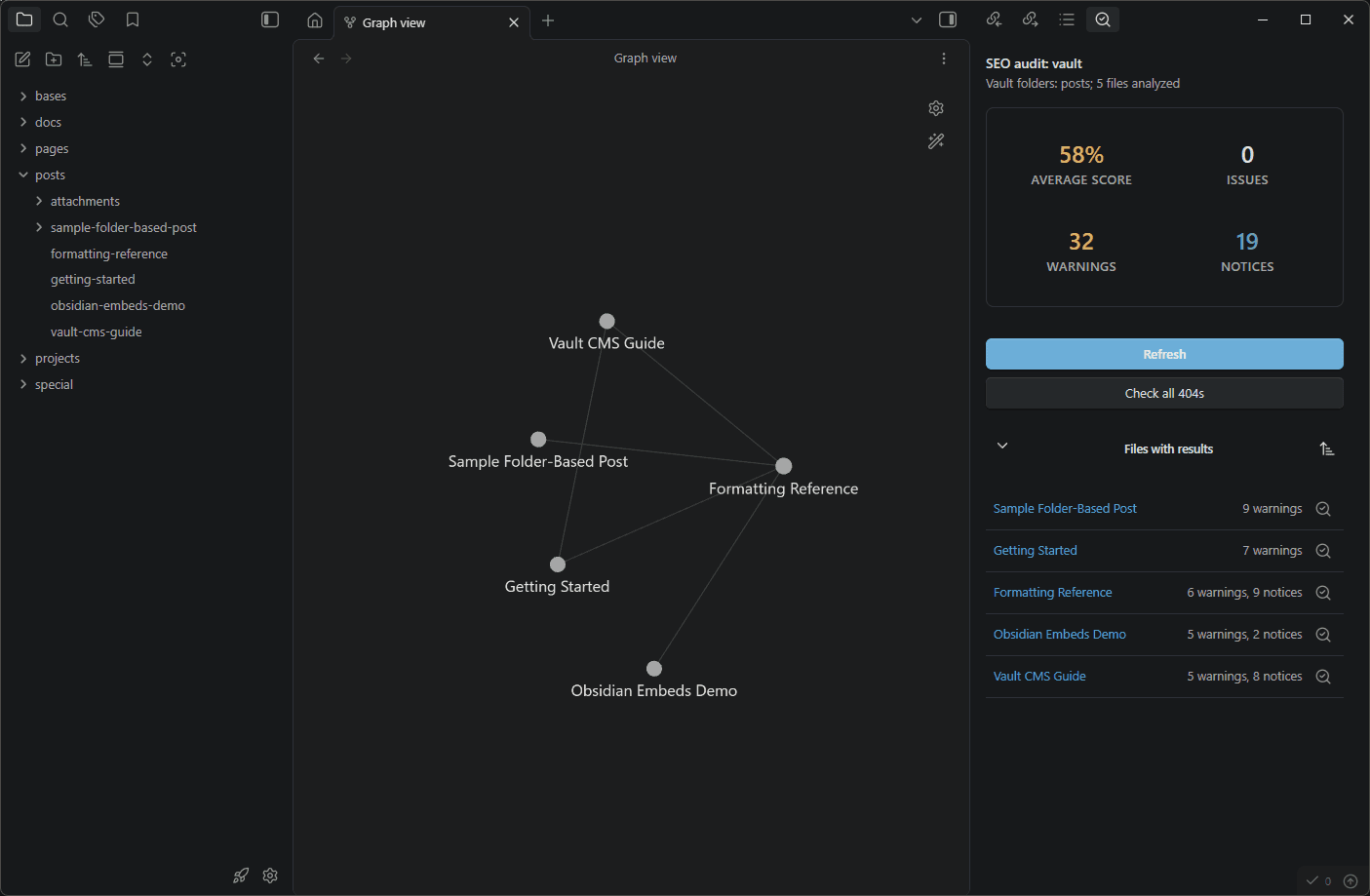
• Auto-detection of your Astro theme and content structure
• Preconfigured plugins, hotkeys and settings optimized for Astro workflows
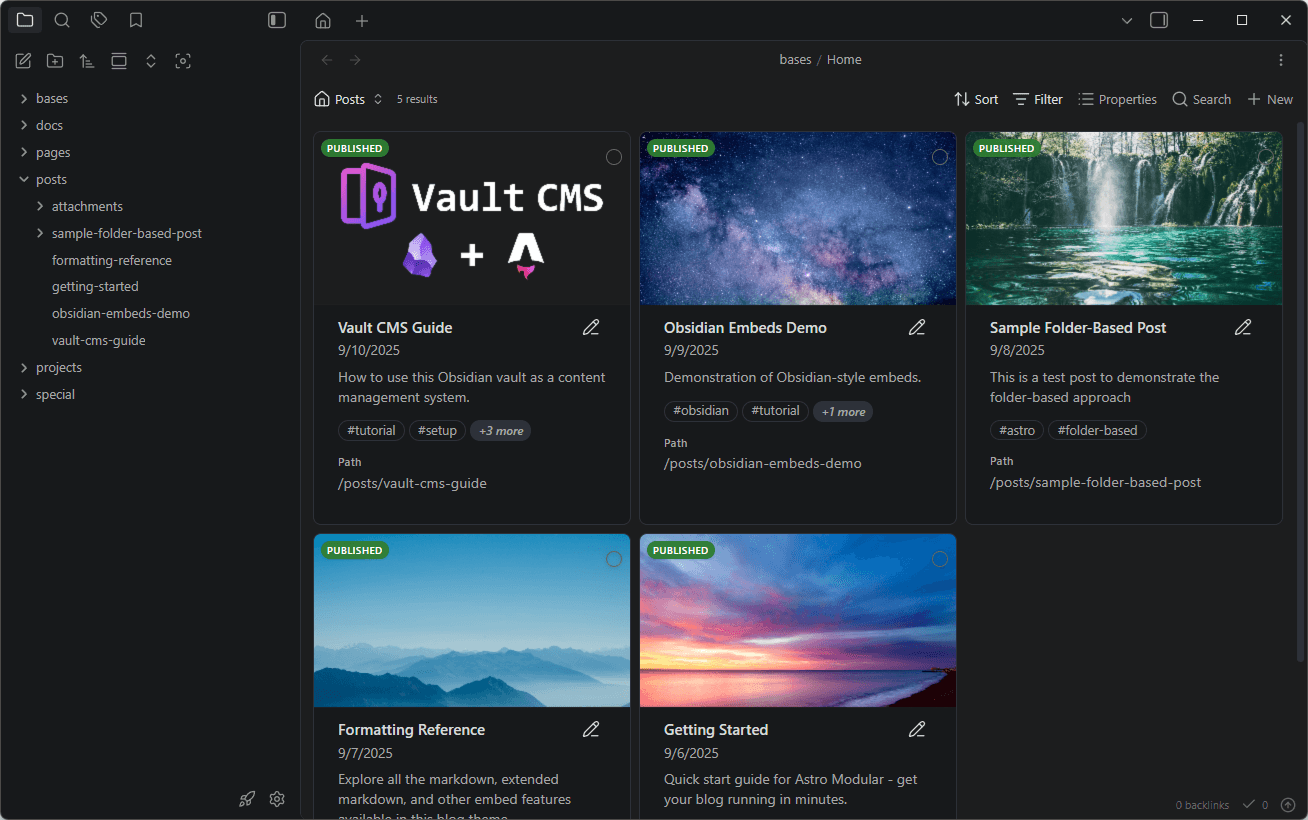
• CMS-like homepage using Obsidian Bases
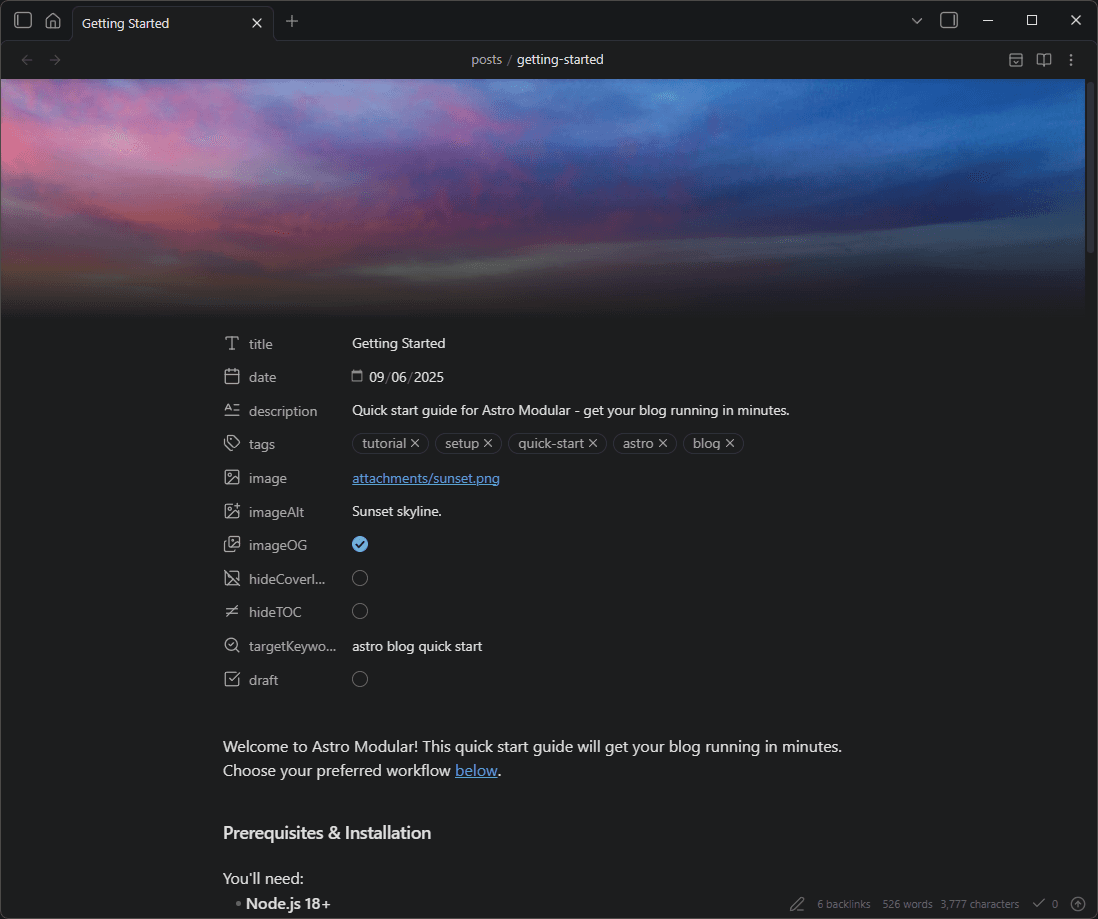
• Works with any Astro theme by automatically detecting content types and frontmatter properties
• Optional instant-publish option via the Git plugin
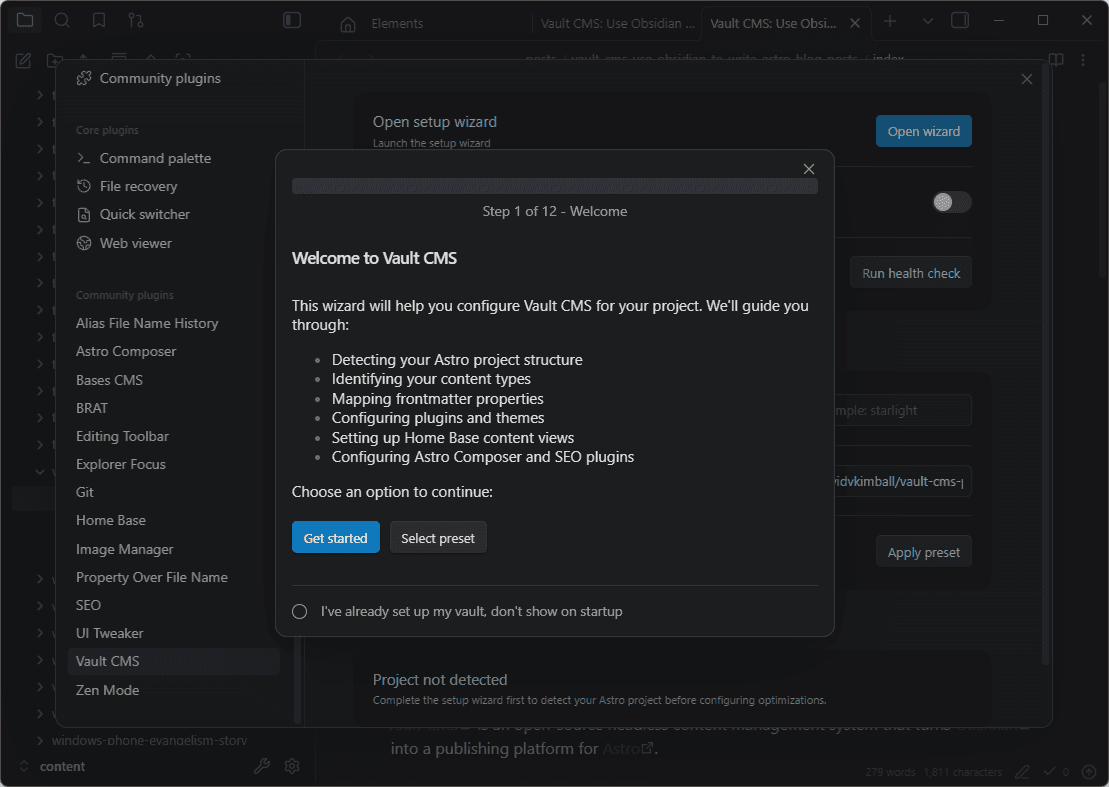
It's injectable into any Astro theme. Install with CLI or by cloning on GitHub. Then it's just a matter of opening your install directory as an Obsidian vault. The wizard walks you through the rest.
Installation Guide
Getting started is as simple as running this in the root of your Astro project:
pnpm create vault-cms
Then it's just a matter of opening your install directory as an Obsidian vault. The wizard walks you through the rest.
Vault CMS Is an open-source headless content management system that turns Obsidian into a publishing platform for Astro.
Features
• Easy integration into Astro website projects
• Auto-detection of your Astro theme and content structure
• Preconfigured plugins, hotkeys and settings optimized for Astro workflows
• CMS-like homepage using Obsidian Bases
• Works with any Astro theme by automatically detecting content types and frontmatter properties
• Optional instant-publish option via the Git plugin
It's injectable into any Astro theme. Install with CLI or by cloning on GitHub. Then it's just a matter of opening your install directory as an Obsidian vault. The wizard walks you through the rest.
Installation Guide
Getting started is as simple as running this in the root of your Astro project:
pnpm create vault-cms
Then it's just a matter of opening your install directory as an Obsidian vault. The wizard walks you through the rest.